You can manage all your candidates from all jobs by clicking on the Candidates button at the top navigation bar, as shown below:
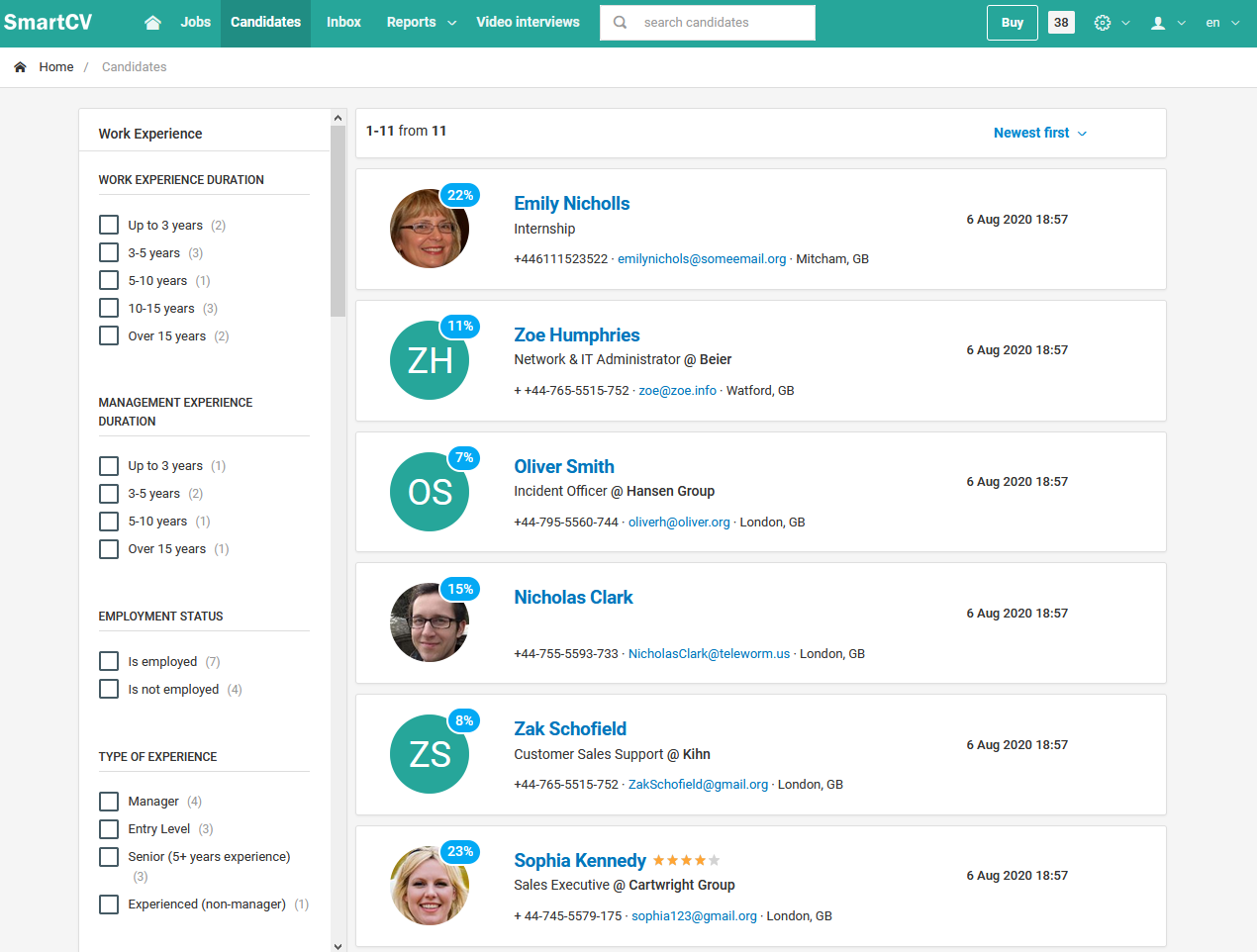
You can also perform a full text search to the candidates' resumes by entering a search phrase to the respective input field at the top navigation bar, as shown below:
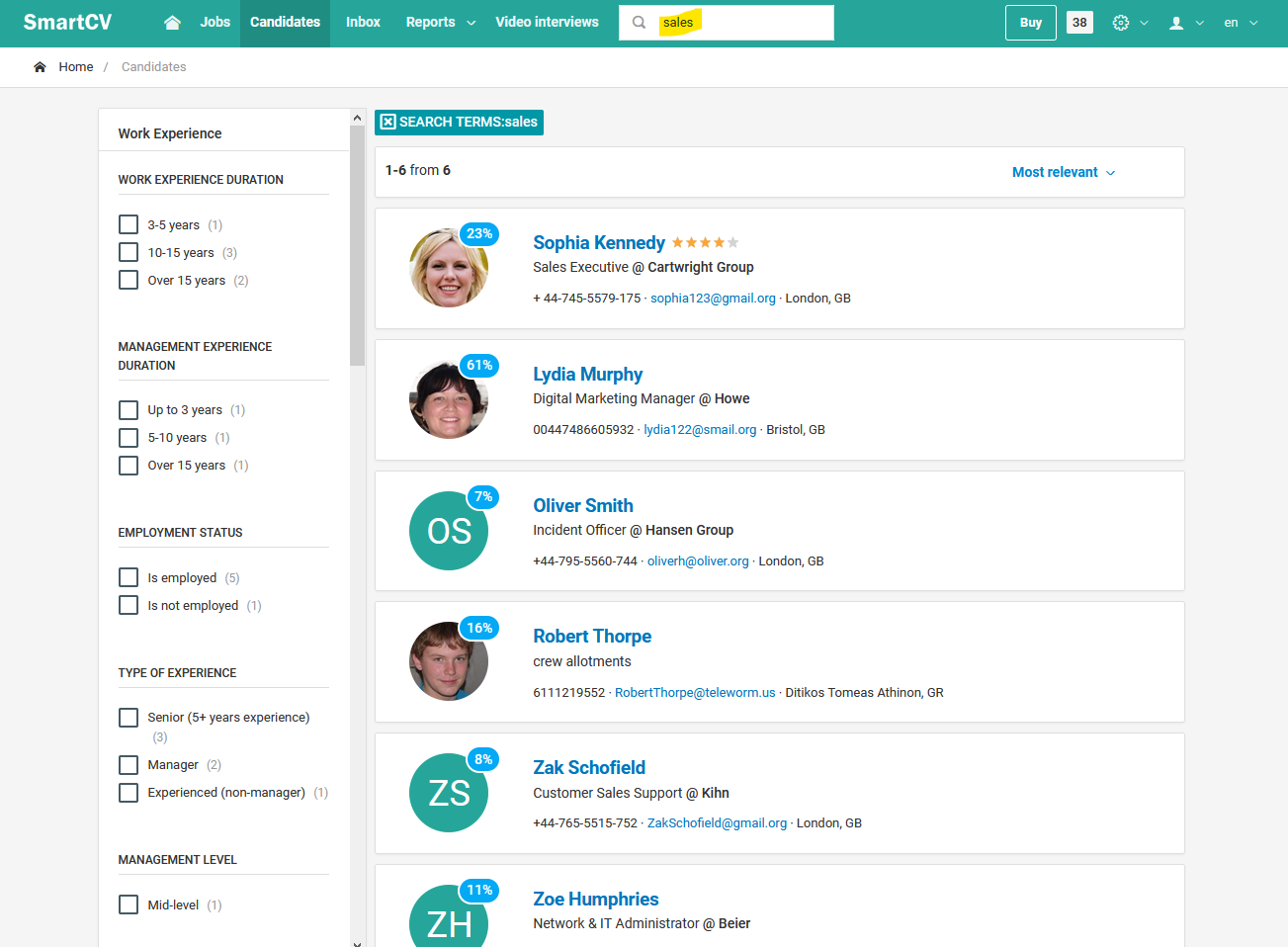
You can filter the results by selecting multiple criteria at the left pane of the results page. The available filtering criteria are:
Work experience duration
Management experience duration
Employment status
Type of experience
Management level
Executive type
Employer name
Job title
Area
School type
Degree type
Languages
Tags
Answers to application form questions
Jobs
Organization
Department
Source
Pipeline stage
You can also sort the results by the following options:
Relevance (available only when a search phrase exists)
Newest candidates first
Biggest average match score
Better evaluation
Smallest distance for job location
Oldest first
Longest work experience
Shortest work experience
Highest education level
Longest per employer experience
Shortest per employer experience
Longest management experience
Shortest management experience
Highest management level
Lowest management level
Employed first
Unemployed first
More foreign languages